
Media Center
A Library Without Books
The Media Center is the facility that corresponds to a library at INIAD. However, it differs from ordinary libraries in that there is not a single paper book. This is because INIAD aims to realize a paperless environment. So how do students use the library? INIAD has contracts for e-books and e-journals spanning various fields. Students, faculty, and staff authorized by INIAD’s access control can view e-books on their own laptops or on tablets provided in the Media Center.
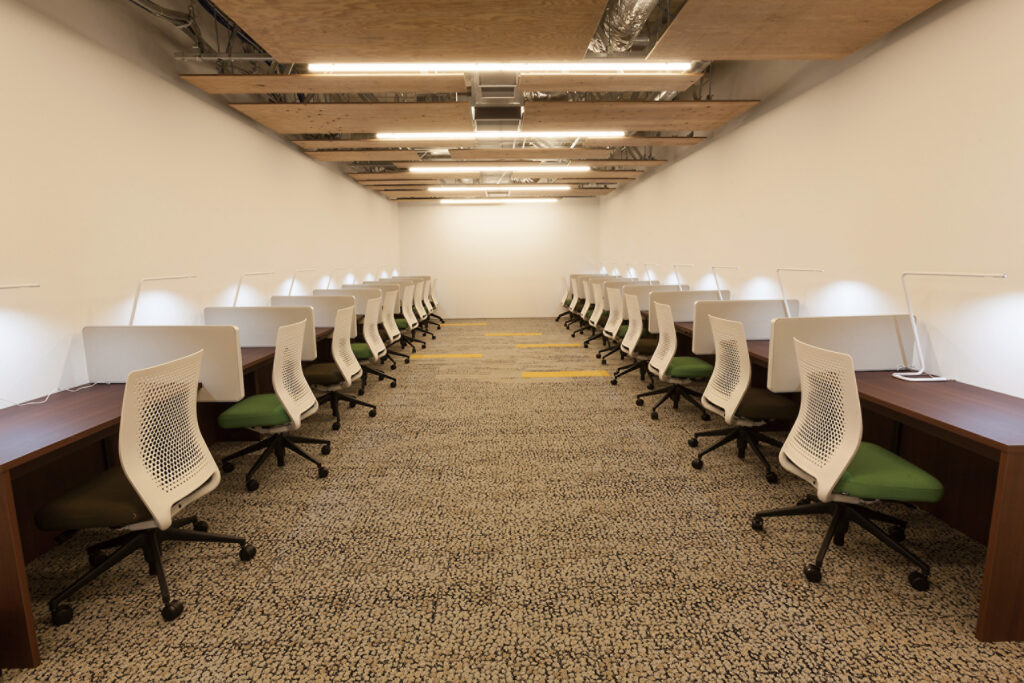
As some INIAD students are using computers seriously for the first time, the Media Center has a help desk, which is a support counter for computer-related issues, where students can ask for advice on matters such as how to connect to the internet at any time during opening hours. The Media Center also has abundant self-study spaces with power outlets. In these personal spaces, which offer a suitable sense of independence while still feeling the presence of others, students can use their own computers to prepare for and review their classes.
Meeting Spaces
Even as the internet becomes mainstream, the importance of face-to-face communication remains unchanged. The Media Center is also a space that provides media functions that cannot be realized solely on the internet, with a focus on facilitating this face-to-face communication.
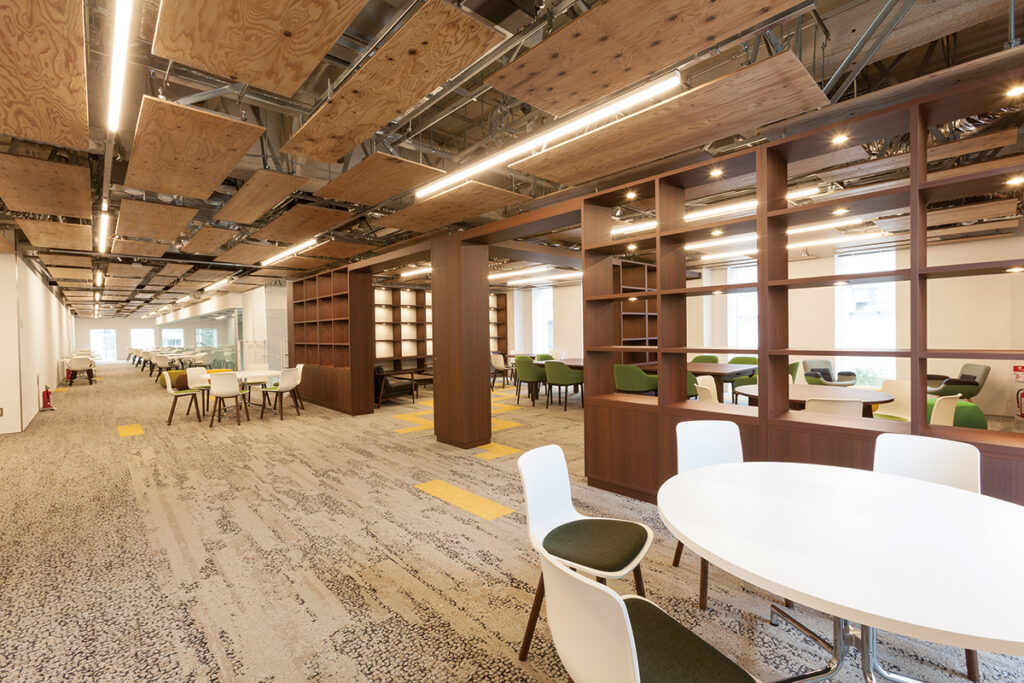
In the meeting spaces, small groups of students can gather to communicate while looking at the same large screen. The meeting spaces are also designed with a variety of interiors to change the mood and stimulate the generation of ideas. They allow for a suitable distance from other teams, fostering serendipity (unexpected fortunate encounters) and creating a multiplier effect for ideas. There is also a cafe space nearby, so when you get tired of creating, why not refresh yourself with delicious tea and sweets?
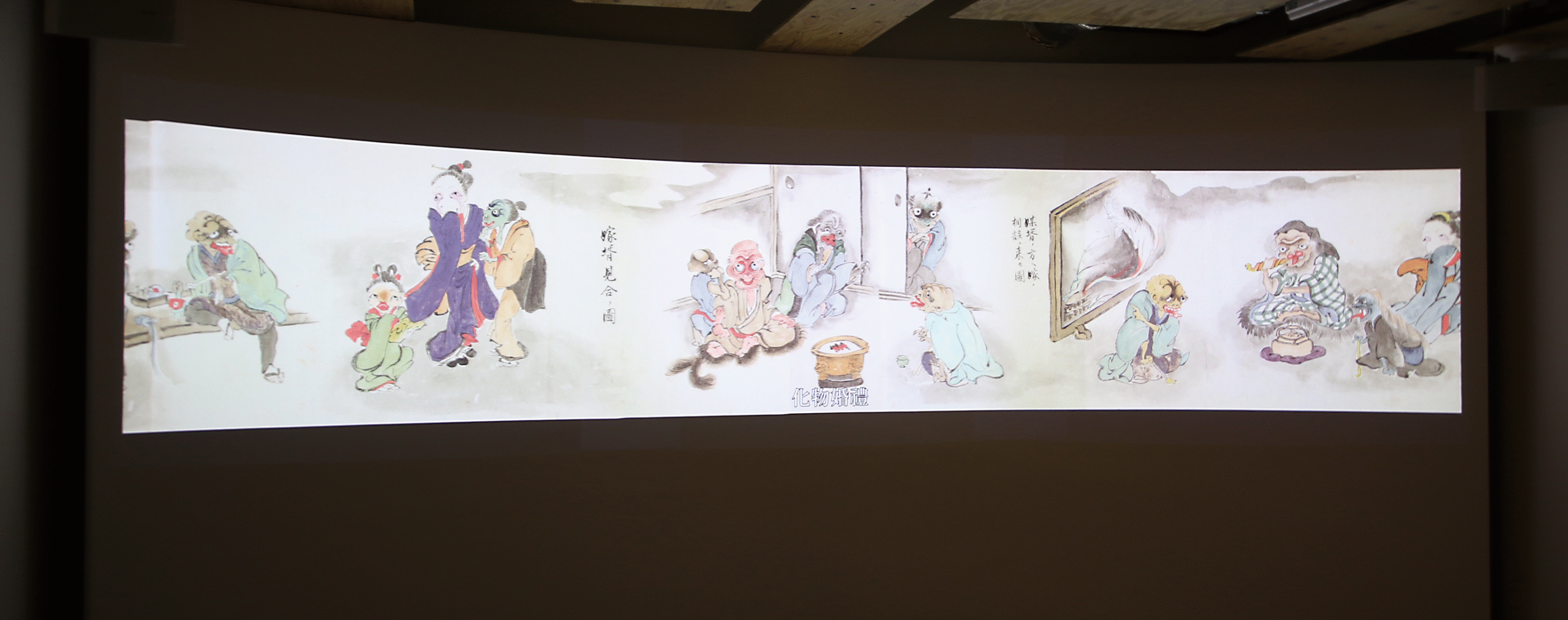
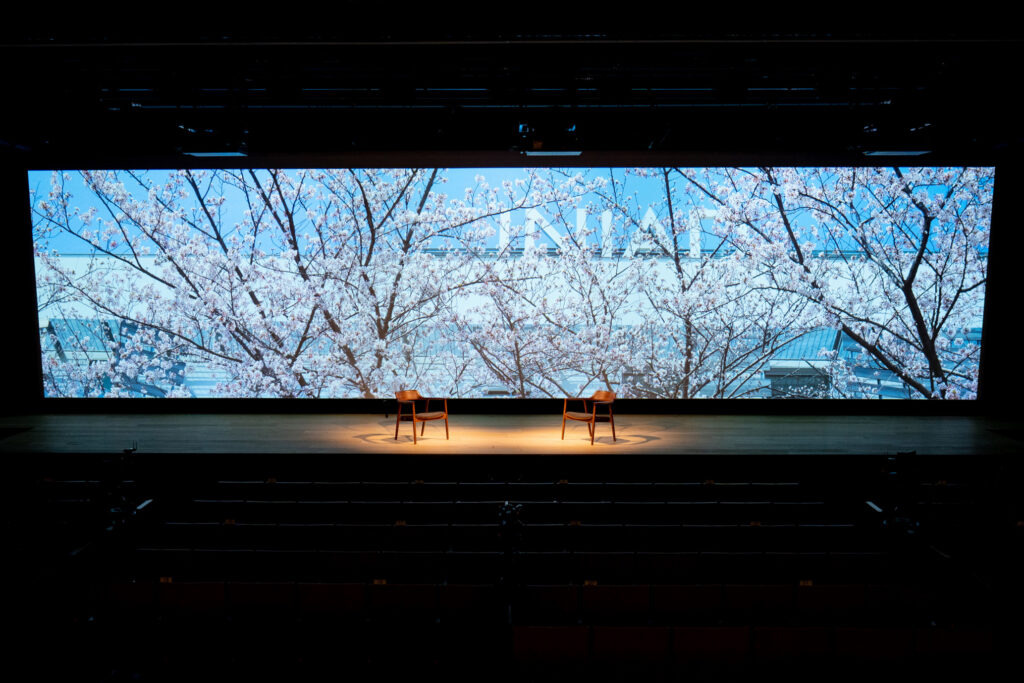
A small-scale theater space is also available for seminars and discussions with a small number of people. On the curved screen, which can be used for presentations and exhibitions, the images from three projectors can be seamlessly combined and projected as a single screen using a technique called stitching.
As an example of its use, let’s project a picture scroll of “yokai” (Japanese monsters), one of the items from the collection of Dr. Enryo Inoue, the founder of Toyo University and an expert in yokai research, onto this curved screen. The actual item is a valuable artifact, and it is difficult to actually unroll and view the picture scroll. However, by digitizing the scroll and utilizing the curved screen as in this exhibition, it is possible to view it without touching the real object.
INIAD Hall
4K Projectors
INIAD Hall, a large space capable of accommodating about 400 people, has been established as a place where an entire grade level can gather at INIAD. To support various events and public viewings, INIAD Hall is equipped with three 20,000-lumen, ultra-bright, 4K+ high-resolution projectors, which are seamlessly integrated to achieve unified image projection. As these projectors are equipped with ultra-short-throw lenses, they prevent shadows from being cast on the screen even when someone is standing on stage.
INIAD Makers’ Hub
The INIAD Makers’ Hub is a dedicated space where students and faculty engage in computer-aided creation. This approach to manufacturing is generally known as digital fabrication, a global trend empowered by tools such as 3D printers and laser cutters. INIAD recognizes the vital importance of supporting the activities of these creators, often referred to as “Makers.”
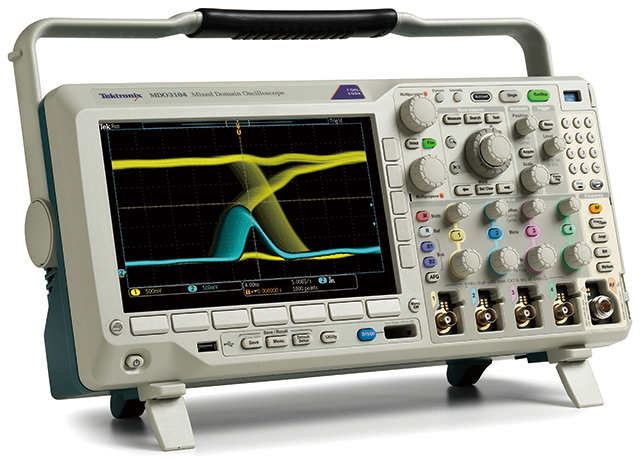
INIAD has implemented a wide range of digital fabrication equipment, including 3D printers, laser cutters, and 3D scanners. Additionally, we provide essential tools for a computer science faculty, such as high-precision measuring instruments (oscilloscopes and network analyzers), as well as practical fabrication tools like electric drills and soldering irons.
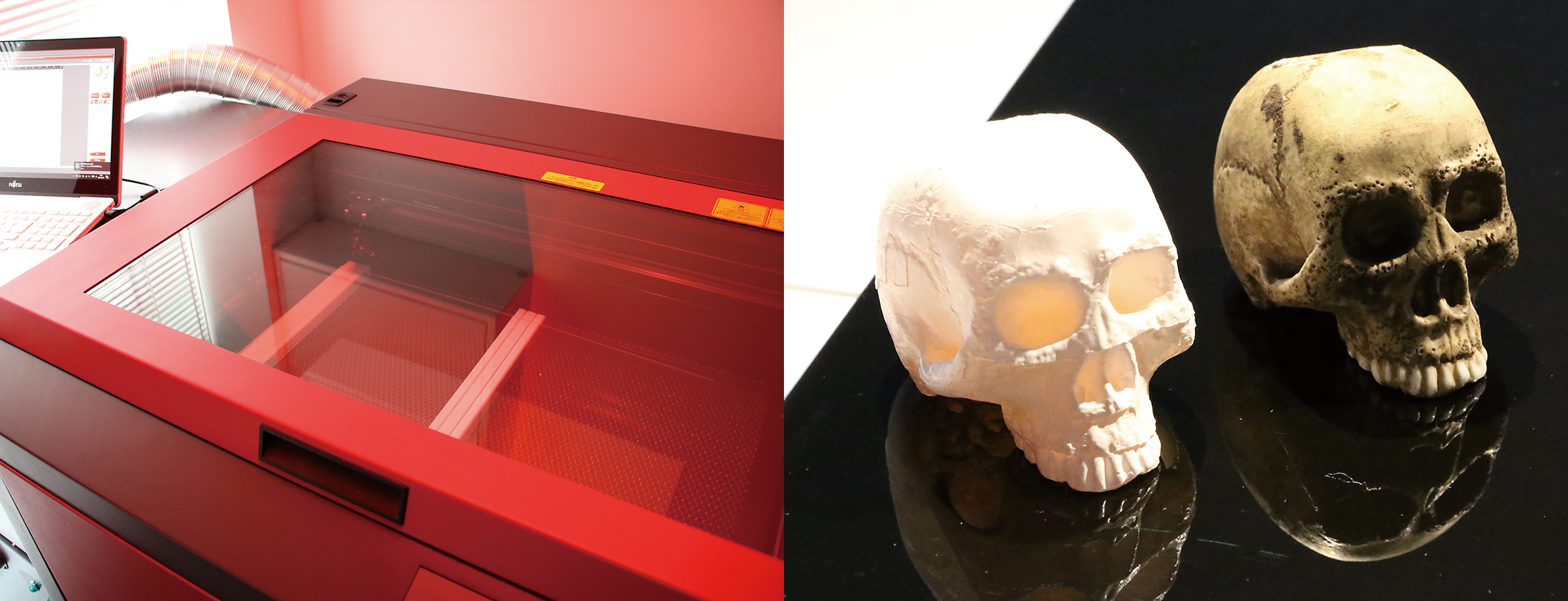
Using the resources of the INIAD Makers’ Hub, we successfully created a replica of the ceramic skull-shaped brush stand originally used by Enryo Inoue, the founder of Toyo University (see image, bottom right). While the original artifact is a precious historical item, the use of digital fabrication can contribute to museum accessibility. For example, these replicas allow individuals with visual impairments to understand the shape and texture of the artifact through touch, realizing a more barrier-free museum experience.
What You Can Do
At the INIAD Makers’ Hub, you can perform a series of “monozukuri” tasks, from processing raw materials to shaping, such as painting.
- Processing of wood, metal, resin, etc., using tools
- Digital fabrication
- Electronic work
- Painting
Measuring Instruments
A full range of professional-use measuring instruments for electronic work is also available.
- Digital multimeter
- Oscilloscope
- Logic analyzer
- Network analyzer
- Spectrum analyzer
Machine Tools
We have an environment for a series of “monozukuri” tasks, with a focus on digital fabrication.
- 3D printer
- 3D scanner
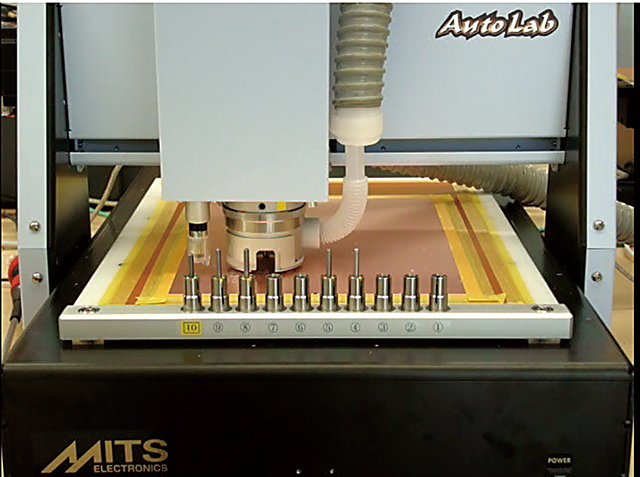
- 3D milling machine
- Laser cutter
- Cutting plotter
- Vacuum forming machine
- PCB milling machine
- Air spray gun
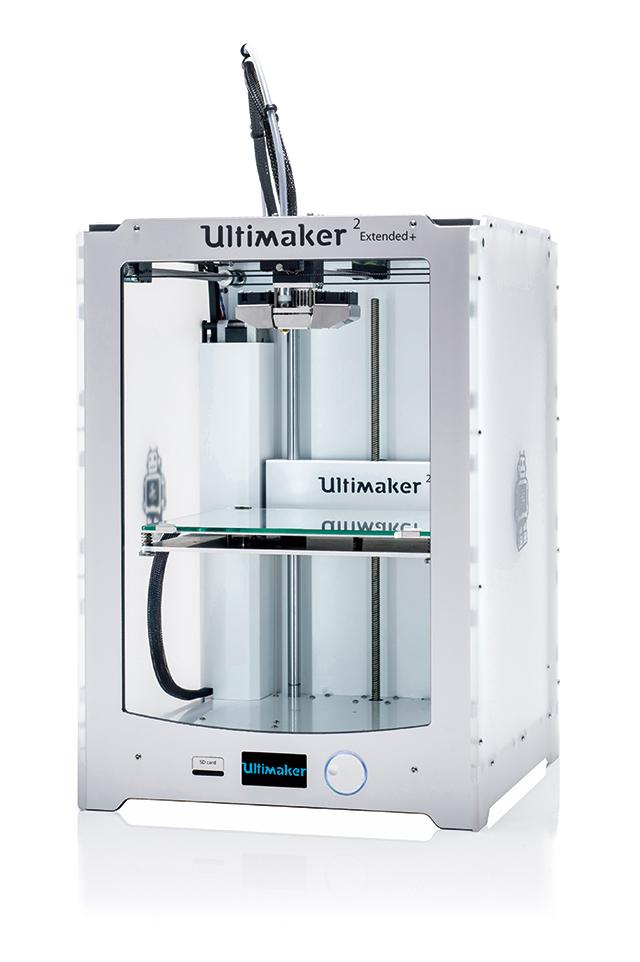
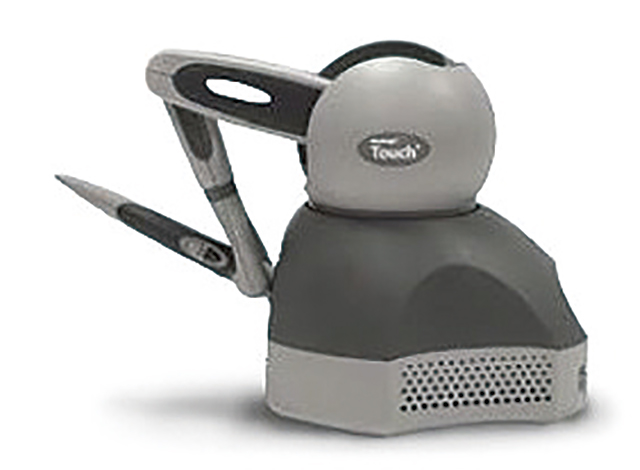
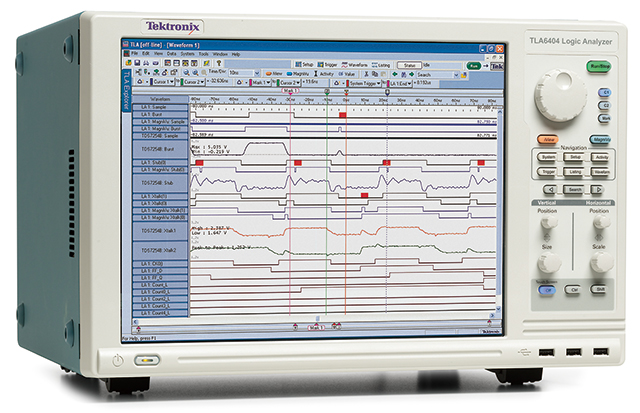
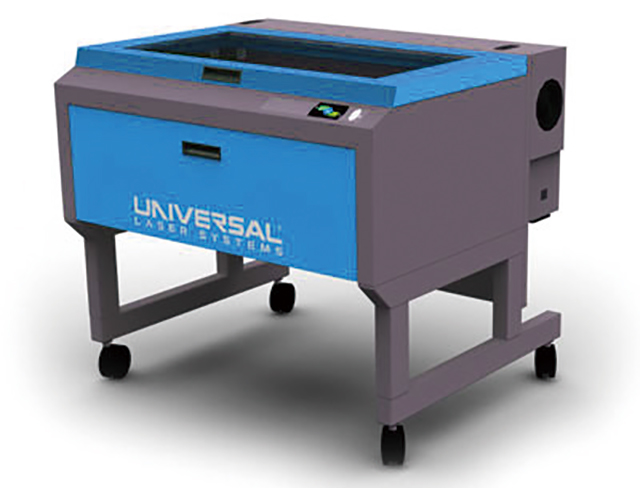
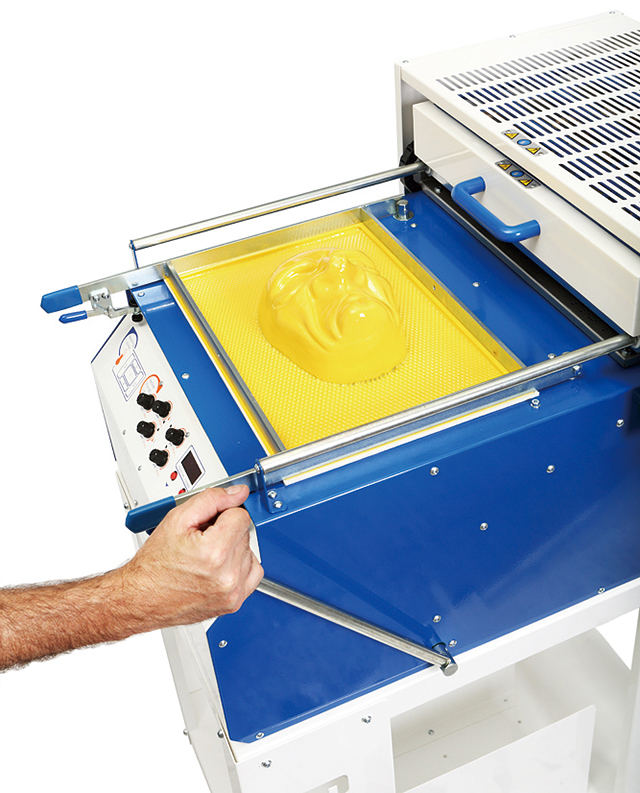
Note 1) 3D Printer: A device that creates a three-dimensional shape by laminating thin layers of resin or other materials based on 3D model data created in a computer using 3D CAD or other software. It is mainly used in product design, and what used to require the creation of a mold can now be output from a 3D printer, enabling rapid prototyping in “monozukuri.”
Note 2) Laser Processing Machine: A device that can cut, drill, and engrave with a high-power laser. By using a laser instead of cutting with a blade, it is possible to process complex shapes and patterns in a short time because processing can be performed directly from two-dimensional CAD data drawn on a PC.
Note 3) 3D Scanner: An input device for reading the shape of a three-dimensional object in three dimensions and saving it as data. Its uses include inspection and measurement to compare a product with its CAD data, reverse engineering to digitize and analyze an existing object, and digitization of culturally valuable assets.